

 Ten players for Android TV and Google TV
 What is realistic on Samsung and LG
 The security trap to avoid when activating
Choosing an IPTV player is mostly a question of two things: which login route your authorised service gave you, and which platform your television actually runs. Get the second one wrong and nothing else matters, because the app simply will not install. The table below separates the platforms before the app lists begin, and every player named later is a viewer only — you still need an active subscription with an authorised service.
| Platform | Operating system | Where apps come from | What to expect |
|---|---|---|---|
| Android TV / Google TV | Android TV OS | Google Play Store on the device | The widest choice of IPTV players. Most apps in this article target this platform. |
| Amazon Fire TV | Fire OS, Android-based | Amazon Appstore, or a controlled sideload | Many players are listed, but some are not. See the Firestick setup guide for the sideload route. |
| Samsung smart TV | Tizen — not Android TV | Samsung’s own TV app store | A much smaller selection. Availability changes by model year and region. |
| LG smart TV | webOS — not Android TV | LG Content Store | A much smaller selection. Older sets may not receive current app versions. |
Best IPTV Apps for Android TV
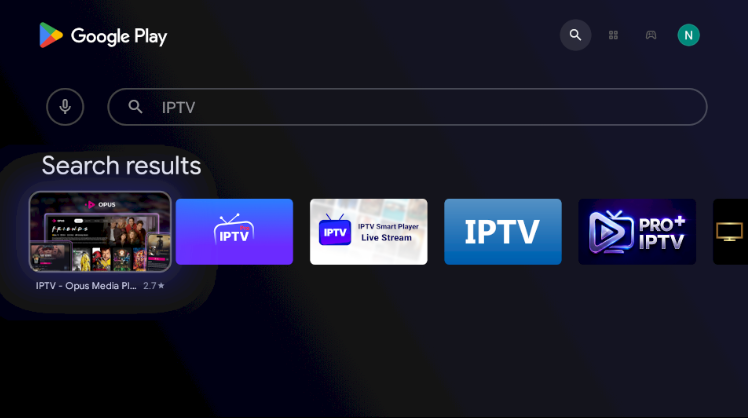
These ten players are the ones UK households most often end up using on Android TV and Google TV boxes. Availability on the Google Play Store varies by device, region and Android TV version, so check your own device rather than assuming. Try a free tier before paying for any app licence.
TiviMate
A television-first interface built around remote control navigation, with strong programme guide handling, favourites and channel sorting. A free tier covers ordinary viewing; heavier features need the app’s Premium licence.
IPTV Smarters Pro
The familiar choice when your provider issues Xtream Codes API details, with clear Live TV, Movies and Series sections. Straightforward to set up and widely supported across devices.
OTT Navigator
Highly configurable, with detailed control over guide layout, decoders and playback behaviour. Suits people who enjoy tuning settings; it can feel dense if you would rather it just worked.
Televizo
A cleaner, lighter interface that handles both playlist and Xtream Codes logins. A reasonable middle ground between simplicity and control.
XCIPTV Player
Built around the Xtream Codes login route, with support for live, catch-up and on-demand sections where the service provides them.
IBO Player / IBO Pro
Often activated using the device MAC address and a device key rather than a username and password. Keep those identifiers private and confirm any separate app licence in the official app.
GSE Smart IPTV
Broad format support and a long history across platforms. The interface is more utilitarian than the TV-first players above.
Perfect Player
A long-standing lightweight option that runs acceptably on older or lower-powered boxes where heavier players struggle.
Sparkle TV
A simple Android TV player aimed at straightforward playlist playback without extensive configuration.
Kodi with a PVR add-on
A full media centre rather than a dedicated IPTV player. It can present an authorised playlist through a PVR client, but it needs the most setup and is the least approachable of the ten.
Best IPTV Apps for Samsung/LG
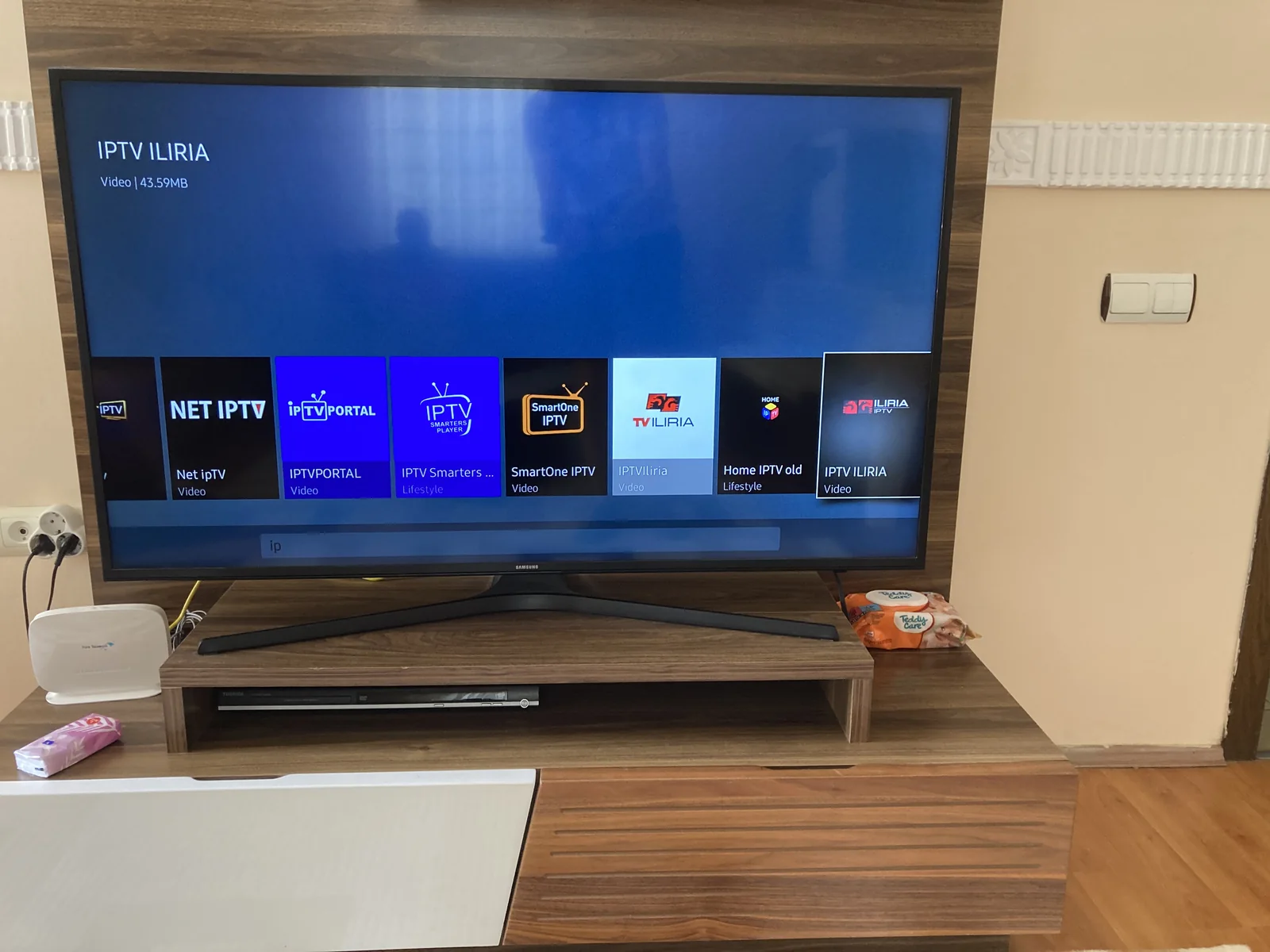
Samsung and LG televisions do not run Android TV. Samsung uses Tizen, LG uses webOS, and each has its own store, so none of the Android TV players above can be installed on them. The realistic selection is much smaller.
Smart IPTV (SIPTV)
The best-known IPTV app on both Tizen and webOS, and usually the first result people find. It works differently from the Android TV players: rather than typing your details into the television, you submit your playlist through the developer’s website, which then delivers it to the app registered against your TV’s MAC address. There is normally a small one-off activation charge after a trial period.
Other Samsung and LG options
- IPTV Smarters Player: Tizen and webOS builds exist and are usually the closest equivalent to the Android TV version, though features can lag behind.
- Set IPTV: another activation-based player following a similar model to Smart IPTV, with the same caution about where your playlist is submitted.
- Flix IPTV: also activation-based, again commonly used on Tizen and webOS.
- OTT Player: a lighter option where it is available for your model.
A Simpler Alternative to Fighting Your TV
If your Samsung or LG set cannot install a player you are happy with, adding a small Android TV box or streaming stick is usually less frustrating than working around the television’s limitations. The TV becomes a screen, and the box supplies the app choice, the newer software and the longer support life.
How This Article Relates to Our Other Guides
This page is about choosing an app. Two existing pages remain the right place for the neighbouring questions, and neither is replaced by this article.
Setting up an Android TV device
Preparation, installation and account entry for Android TV hardware are covered step by step in the dedicated device guide. Use it once you have chosen a player here.
Choosing the hardware itself
If you have not settled on a device yet, the streaming device article compares the hardware options before you get as far as picking an app.
Get Premium IPTV for Smart TV
Choose a plan that works across Android TV, Fire TV and supported smart televisions, with the login details your chosen player needs.
Frequently Asked Questions
Match the app to your platform first, then to your login
Confirm which system your television actually runs before shortlisting anything. On Android TV the choice is wide and a free tier will usually tell you within an evening whether a player suits you. On Samsung and LG the choice is narrower, activation often routes through a third party, and your playlist URL deserves the same care as a password. Whichever route you take, keep credentials private and use only services you are authorised to access.