

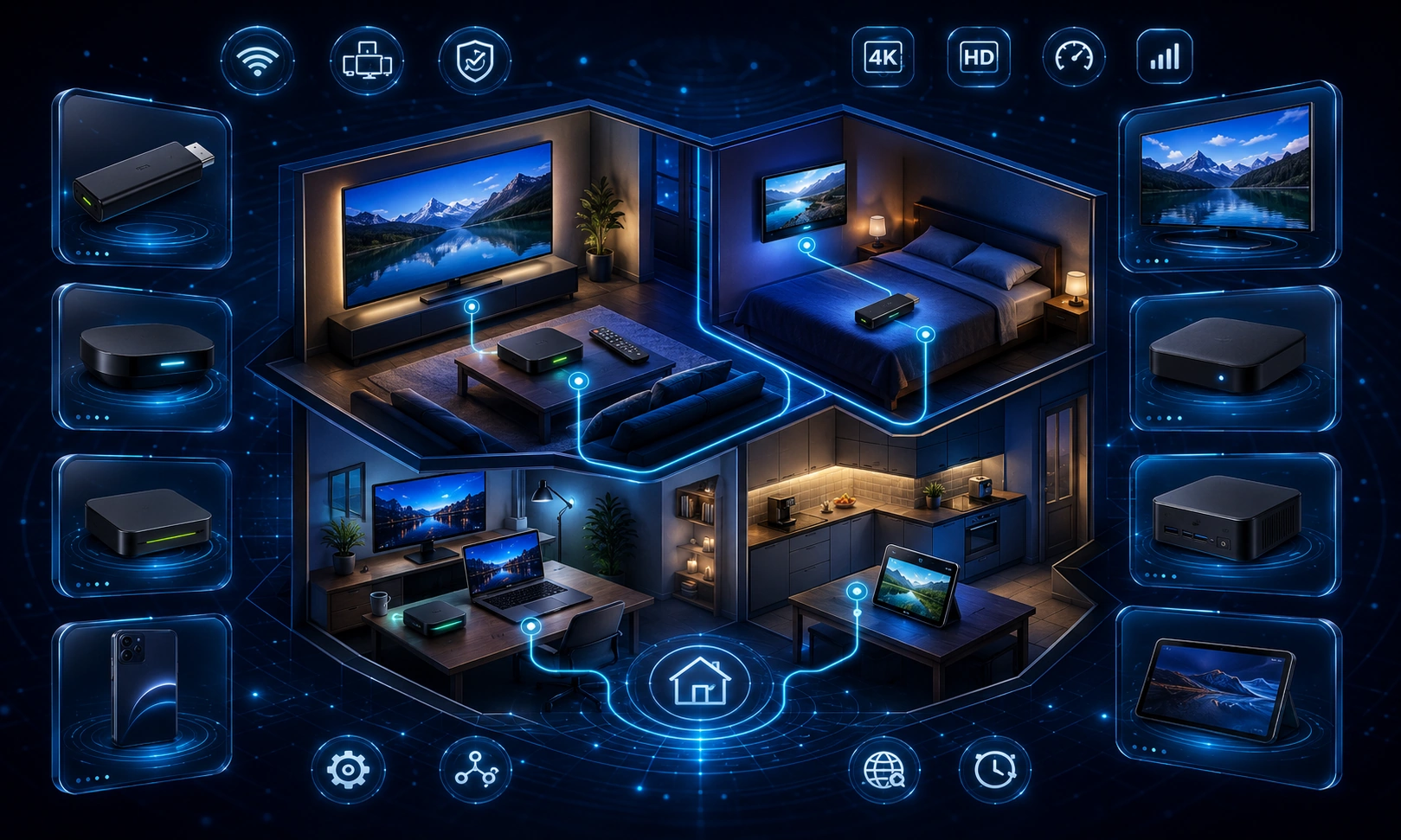
Start with the room and the people using it
The best choice depends on where the screen sits, who controls it and how easily the device can be recovered when something goes wrong. A main television may need a dependable remote, readable menus, accessible controls and a clear sign-out route. A secondary room may prioritise simplicity, low maintenance and easy movement between screens. Start with the use case before comparing specifications.
Main television
Prioritise an operating system that receives updates, an official route to the authorised app, a remote everyone can understand, stable network options and straightforward account recovery.
Bedroom or secondary screen
Prioritise quiet operation, simple navigation, reliable Wi-Fi in that room and a device that can be reset or removed from the account without affecting the main television.
Shared or temporary screen
Prioritise separate profiles, visible session controls and complete sign-out. Avoid saving administrator credentials on a screen used by visitors or people outside the household.
Compare the main device routes
A useful comparison does not need an unsupported ranking. It should identify which route fits the household and which details still need to be verified before purchase.
| Device route | Best considered when | Check before choosing |
|---|---|---|
| Built-in Smart TV app | You want one remote and no extra box. | Official app-store availability, television update support, sign-out controls and whether the app remains supported on the exact model. |
| Fire TV Stick or similar streaming stick | You want a compact external device that can move between compatible televisions. | Official app availability, available storage, power requirements, Wi-Fi strength, remote usability and account removal. |
| Android TV or Google TV box | You want a dedicated television interface with app-store access and a choice of hardware formats. | Certified operating system, update policy, storage, processor responsiveness, Ethernet or Wi-Fi options and session controls. |
| Apple TV | You already use the same account ecosystem and want a dedicated television device. | Authorised app availability, remote and accessibility preferences, account handling, update support and current price. |
| Windows, Mac or supported browser | You need a flexible desk, travel or temporary-screen route. | Browser or app support, full sign-out, shared-profile risks, display connection and whether the computer is suitable for regular television use. |
Use a transparent comparison scorecard
Record the result for each shortlisted device instead of relying on a single “best” label. A simple pass, concern or not-applicable score is enough.
- Authorised app route: Is the required app available through the expected official store or account route?
- Operating-system support: Is there a visible update path and a reasonable support horizon?
- Performance and storage: Is there enough free storage and responsive navigation for the intended apps?
- Network: Does the room need Ethernet, modern Wi-Fi or both?
- Picture and audio: Does the device support the television’s required resolution, HDR and audio formats?
- Remote and accessibility: Can all intended users operate it comfortably?
- Account control: Can the device be signed out, removed and reset without ambiguity?
- Current cost: What is the current UK retail price, and are replacement remotes, adapters or Ethernet accessories extra?
- Longevity: Is the device likely to remain useful after the immediate setup?
Match connectivity to the home
Ethernet can be valuable near the router, while a device placed elsewhere depends more heavily on stable Wi-Fi in that room. Check the route from the router to the screen, not only the broadband package. A fast connection at the router does not guarantee the same result behind a television, through a cabinet or at the far end of the home.
Also check whether the device needs a separate power socket, whether an HDMI extension is required, and whether its shape blocks neighbouring ports. These small installation details can matter more in daily use than an extra feature on the specification sheet.
Check picture, audio and accessibility before buying
Match the device to the television rather than assuming every box will use every display feature. Confirm the intended resolution, HDR format, audio route and display switching. If captions, audio description, text scaling, voice control or remote shortcuts are important, review those controls before purchase rather than after setup.
Treat the remote as core hardware
The remote is the part of the device used every day. Compare button layout, directional control, voice features, accessibility shortcuts, replacement availability and whether household members can use it without repeated explanation. A technically capable box can still be the wrong choice if the remote creates friction.
Prefer reversible account and device choices
Choose a device that can be reset, signed out and moved between rooms without trapping the household in one account structure. Clear session controls matter as much as speed because sold, lost or replaced devices must be removable from the authorised account.
Final buying checklist
- Define the room, users and accessibility needs.
- Confirm the authorised app route for the exact device model.
- Check the manufacturer’s update path.
- Compare storage, responsiveness and current UK price.
- Verify Ethernet or Wi-Fi suitability in the intended room.
- Confirm picture, HDR and audio requirements.
- Use the remote before buying where possible, or review its layout carefully.
- Confirm sign-out, session removal and factory-reset controls.
- Record the model and software version after setup.
Frequently asked questions
What is the best IPTV box in the UK?
There is no single best device for every household. The strongest choice is the one that supports the authorised app route, receives updates, works reliably on the home network and remains usable for the people controlling it.
Should I choose a built-in Smart TV app or an external box?
A built-in app reduces hardware and remote clutter. An external device may offer a separate update path, easier replacement and more flexible movement between screens. Verify support for the exact television and device before deciding.
Does more storage automatically make a device better?
No. Storage matters when apps, updates and cached data compete for space, but update support, app compatibility, network stability, remote quality and account controls remain equally important.
Should the device have Ethernet?
Ethernet is useful where a cable can reach the screen and Wi-Fi is inconsistent. It is not mandatory for every room, but the network method should be chosen for the actual location rather than the router specification alone.
When to ask for help
Contact support when the authorised app route is unclear, the exact model appears incompatible or the same issue remains after a clean restart and an independent network check. Include the device model, software version, current step and your order reference, but never send passwords or private access details.