

Prepare the television
Install stable system updates, confirm the date and time, and note the exact model.
Update Google TV, confirm the correct Google account and use the Android TV setup route for apps approved for your authorised service.
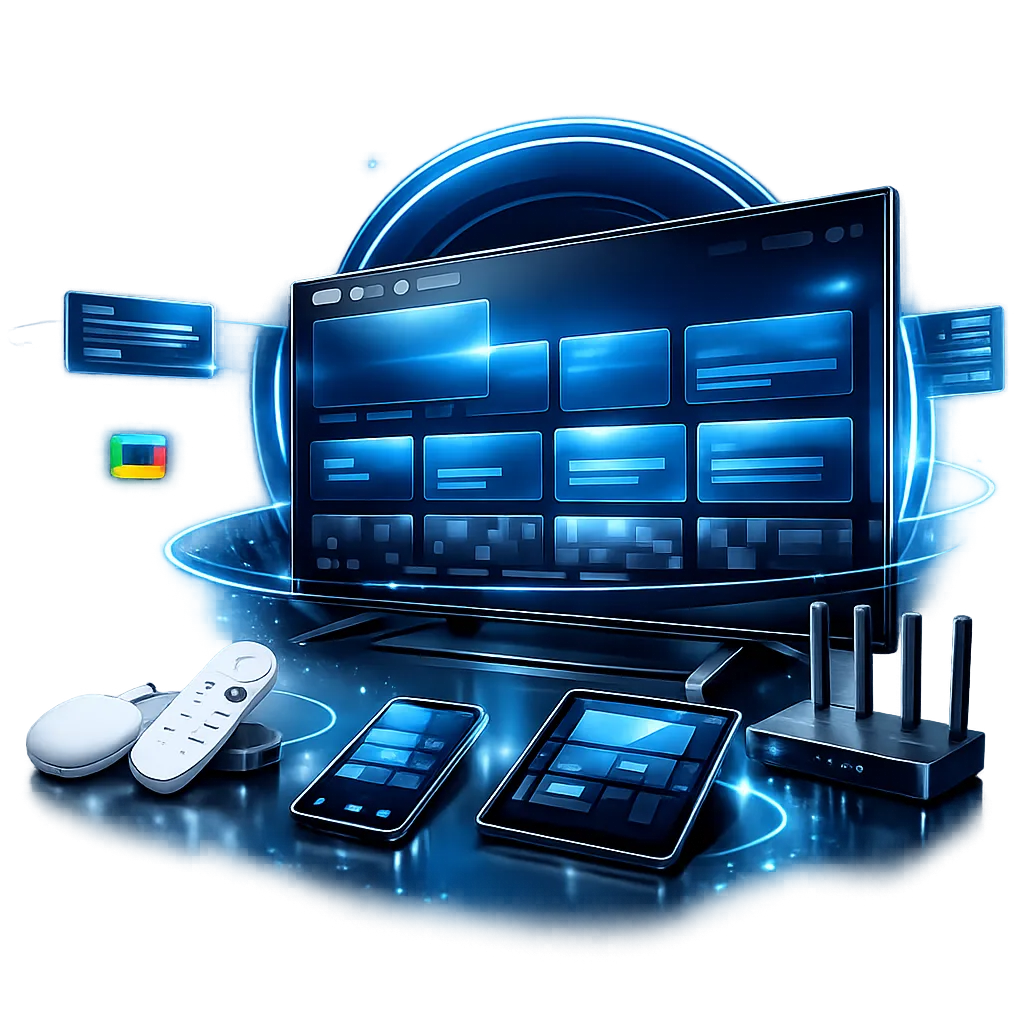
The route below is intentionally service-neutral and uses no third-party screenshots.
Install stable system updates, confirm the date and time, and note the exact model.
Open a trusted built-in app or website to verify the television can reach the internet.
Use the relevant app store or configuration area for services you are authorised to access.
Use the checkout email and any setup details supplied through the official support route.
Check navigation, audio, picture settings and sign-out controls before regular use.
Restart the relevant app first, then the device, then the router. Record the result after each step so support can see what changed.
Model-specific behaviour can vary, but the preparation and privacy principles remain consistent.
Return to the full guide library, read the broadband speed guide or use the buffering checklist.


