

Start with stability, not the package headline
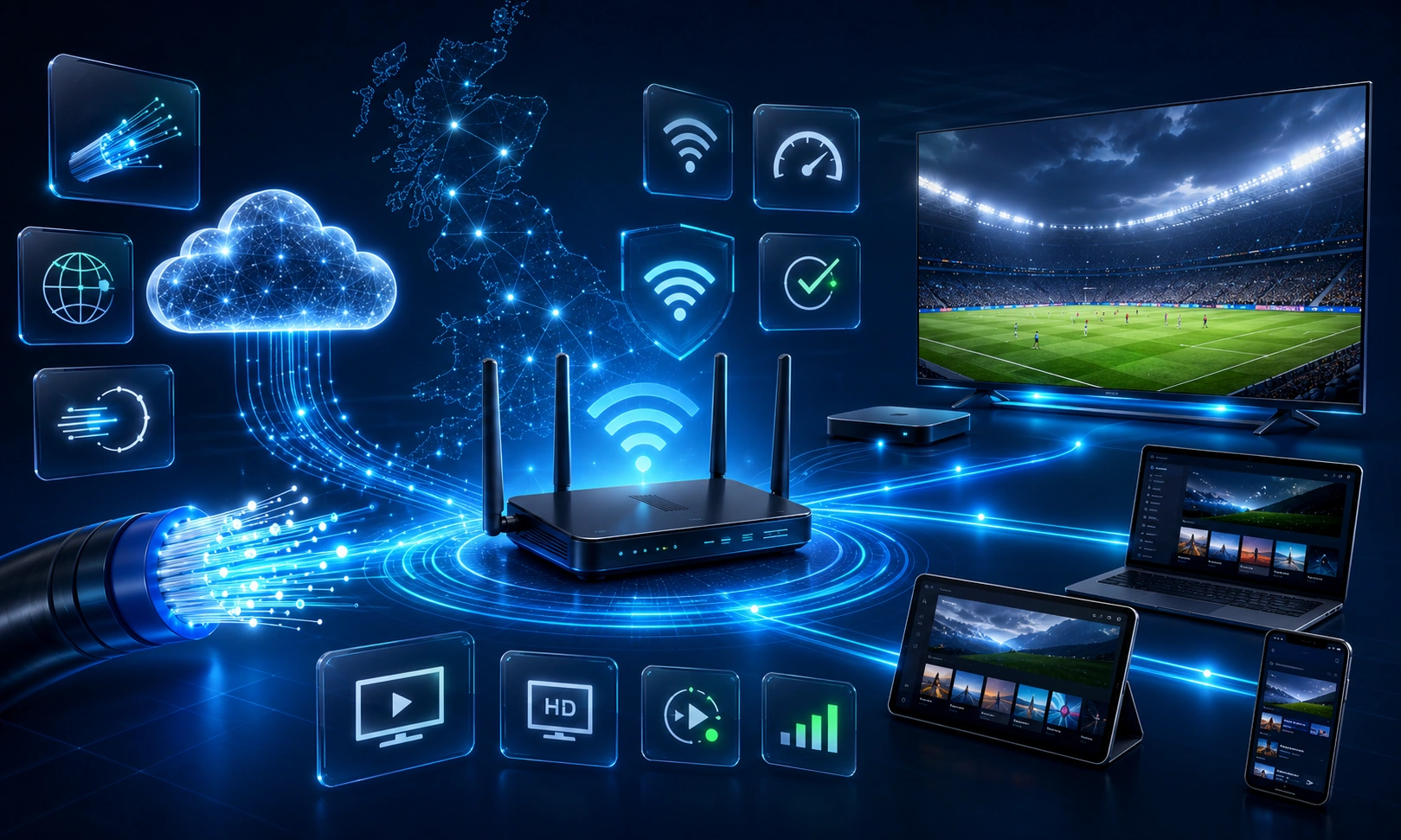
The best broadband for IPTV is the connection that delivers enough stable capacity at the viewing device during normal household use. The package speed advertised by an internet provider is not the same as the usable throughput at a television behind walls, on a congested Wi-Fi channel or while other devices are active.
A practical speed-planning range
Provider requirements vary and should take priority, but the existing planning ranges on this site can be used as a starting point rather than a guarantee.
| Viewing situation | Planning range | What can change the result |
|---|---|---|
| One standard or HD stream | A stable 5–10 Mbps may be enough for many services | Codec, frame rate, app behaviour, Wi-Fi stability and provider requirement |
| One 4K stream | Commonly around 20–25 Mbps | Compression, HDR, device capability, service requirement and network variation |
| Several simultaneous streams | Add the per-stream requirements, then leave capacity for other activity | Connection policy, game downloads, video calls, backups and Wi-Fi congestion |
These are household planning figures, not a promise that every service will use the same bitrate. A provider may require more or less, and a connection that repeatedly falls below its normal level can perform poorly even when one test briefly looks fast.
Understand the network measurements
| Measurement | What it describes | Why it matters |
|---|---|---|
| Line or package speed | The broadband service delivered to the router under the provider’s conditions | It sets the household’s overall capacity but does not describe every room |
| Throughput | The usable data rate measured by the device at that moment | Playback depends on what reaches the viewing screen, not only the package name |
| Latency | The delay before data travels to the destination and back | High or changing delay can make apps and live controls feel slow |
| Jitter | Variation in delay between measurements | An unstable route can interrupt smooth delivery even when average speed appears adequate |
| Packet loss | Data that does not arrive successfully | Repeated loss can cause stalls, quality changes or retries |
| Congestion | Competition for capacity on the home or wider network | Performance may fall at busy times or during large household downloads |
Calculate capacity for simultaneous screens
Add the expected requirement for each active stream, then allow room for phones, game downloads, cloud backups and video calls. For example, two screens should be planned as two separate streams rather than one faster stream. Also confirm the provider’s simultaneous-screen policy because broadband capacity and account permission are different limits.
Test in the viewing room and at the problem time
- Use the television, streaming device or a phone placed beside the screen.
- Run more than one test rather than relying on a single peak result.
- Repeat during the period when playback is normally used or buffering occurs.
- Test with normal household activity, then repeat after pausing large downloads.
- Compare Wi-Fi with Ethernet where practical.
- Record variation, not only the highest speed shown.
A strong result beside the router can hide weak Wi-Fi through walls, across floors or behind the television. The relevant measurement is the repeatable result at the device that plays the stream.
Ethernet versus Wi-Fi
Ethernet is often the most stable route for a stationary main television because it removes wireless interference from that part of the connection. Wi-Fi can work well when the router is positioned sensibly, the signal is strong, the device supports the available Wi-Fi generation and the channel is not congested. Neither route can fix an upstream outage or an overloaded viewing device.
When a faster package may help
An upgrade may help when the household repeatedly uses more capacity than the line can deliver, especially with several simultaneous high-resolution streams and large background downloads. Confirm the usable speed at the router and screen before changing the package.
When a faster package will not help
More line speed will not repair poor router placement, severe wireless interference, low device storage, overheating, an outdated app or a service outage. Use the IPTV buffering checklist to identify the failing layer before spending more on broadband.
UK infrastructure context
The UK Government’s 2026 work on future television distribution notes that internet access and speed are central to wider IPTV adoption. Read the official paper on internet access and speeds for broader policy context.