

 Authorised access first
 Delay and stability checks
 Device-level verification
Live sport is the most demanding test of an IPTV setup. A film can buffer ahead, but a live match exposes delay, jitter, picture drops, overloaded feeds, weak Wi-Fi and slow support immediately. The strongest service is therefore not simply the one that advertises the largest sports catalogue. It is the one that can explain what it is authorised to provide, names channels correctly, works on the viewer’s exact device and gives realistic information about delay and availability.
This guide applies the same evidence boundary used by our Best IPTV Services UK comparison. IPTVUK4K is the only named service with approved project data, so the page profiles its published sports-related information without inventing competitor rankings, guaranteed channel lists or independent performance awards.
Our editorial checklist centres on the issues fans notice on match day: rights clarity, correct broadcaster names, stream delay, picture stability, device fit, connection limits and access to useful support. The badge does not claim an independent market-wide speed benchmark.
Live-sports service comparison checklist
Table 2 compares the sports information already documented for IPTVUK4K with the evidence a viewer should confirm before purchasing. “Published” means the claim appears in the existing implementation; it does not verify rights to a particular channel or event.
| Sports factor | IPTVUK4K published position | What to verify before match day |
|---|---|---|
| Sports availability | Plans advertise “Premium Sports & PPV Events”. | Request the current, authorised event or channel availability for the UK; do not infer access from a generic sports claim. |
| Picture-quality labels | 4K, Full HD and HD streaming labels are published. | Confirm which sports feeds use each quality level and test the exact device and connection. A label is not a guarantee of constant source quality. |
| Programme guide | An EPG TV guide is listed as included. | Check event times, time zone, channel title and whether late schedule changes appear promptly. |
| Devices | The site documents broad Smart TV, Fire TV, Android, Apple and computer compatibility. | Confirm the precise model, operating-system version and player before paying. |
| Connections | Current plans offer one, two or three connections at documented prices. | Confirm whether “connections” means simultaneous streams and whether different networks or households are permitted. |
| Latency | No approved sports-latency guarantee is published. | Compare the selected feed on the intended device and network; reject absolute “zero-delay” promises. |
| Backup options | No approved count of backup sports channels is published. | Ask whether any authorised alternate feed exists, how it is labelled and when support recommends switching. |
| Support | The site publishes a 24/7 customer-support claim and a working support route. | Send a specific pre-match question and assess whether the reply addresses the device, event and error rather than returning generic text. |
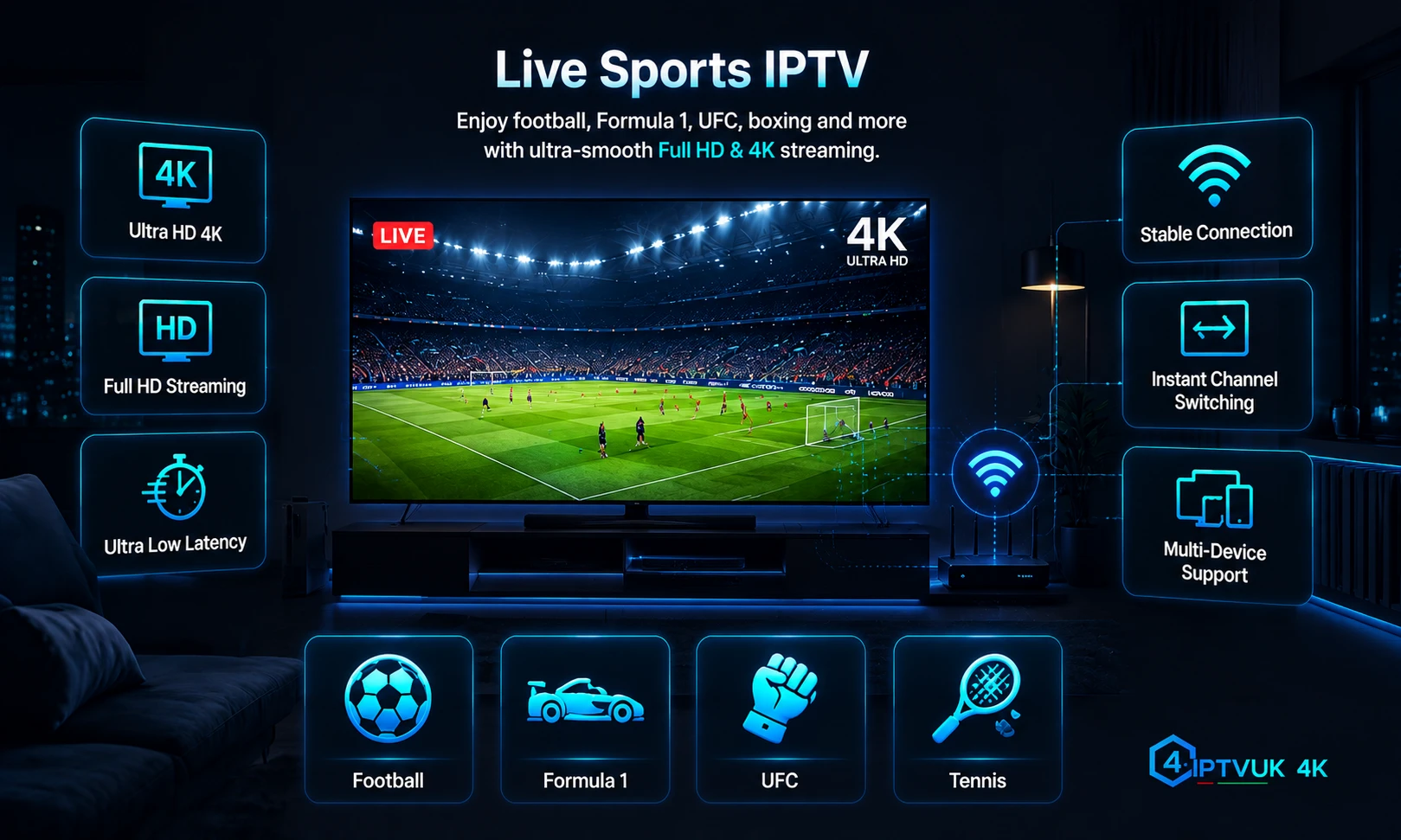
What makes an IPTV service suitable for live sport?
A sports-focused comparison should begin with the event, not the provider’s total channel number. Identify the competition, territory and official rights holder, then ask whether the service can document authorised availability. Rights can differ between a league match, domestic cup, European competition, boxing card, Formula 1 weekend or international tournament, even when the events appear under the same broad “sports” category.
After rights and availability, assess the complete viewing chain. The source feed, provider processing, content-delivery route, broadband connection, home network, player and display can each add delay or reduce stability. A service cannot credibly guarantee identical 4K quality or zero buffering across every combination.
Use the correct UK sports-channel names in 2026
For the 2026/27 Premier League season, the league identifies Sky Sports and TNT Sports as the UK live television rights holders, while BBC Sport holds free-to-air highlights rights. Other competitions can use different broadcasters, apps and territories, so confirm the official rights holder for the exact event rather than treating a generic channel name as permanent proof of availability.
Naming checked against the Premier League’s official UK broadcaster information for the 2025/26–2028/29 rights cycle. Competition-specific rights should always be rechecked at the time of viewing.
IPTVUK4K live-sports profile
The current project implementation publishes sports and PPV access, HD/Full HD/4K quality labels, an EPG, common-device compatibility, one-to-three-connection plan choices, instant activation wording and a 24/7 support claim. These are useful comparison inputs, but they do not establish a current channel roster, sports-rights inventory, guaranteed 4K source, measured latency or fixed backup-feed count.
Before purchasing for a specific event, contact support with the exact competition, event date, intended device, player and required number of simultaneous streams. Ask for current availability and connection-policy clarification in writing. Then test the setup before the event rather than first signing in at kick-off.
Get Instant Sports Access Now
Review current durations and connection options, then confirm the exact authorised event availability and device fit with support before ordering.
Bypassing the 3 PM Blackout
Do not treat the Saturday 3pm closed period as a restriction an IPTV provider should secretly bypass. The Premier League’s UK rights arrangements distinguish matches shown outside the Saturday 15:00 closed period, and official live availability depends on the selected fixture, broadcaster and territory. A service that promotes circumvention, hidden feeds or region spoofing as its main selling point fails the responsible-use checks in this project.
Use the official broadcaster schedule for televised matches, lawful radio commentary where available, club and league updates, and authorised highlights after the match. If a fixture is not legally broadcast live in the UK, the correct response is to use those authorised alternatives—not to search for an unlicensed stream.
Stream Latency & Backup Channels
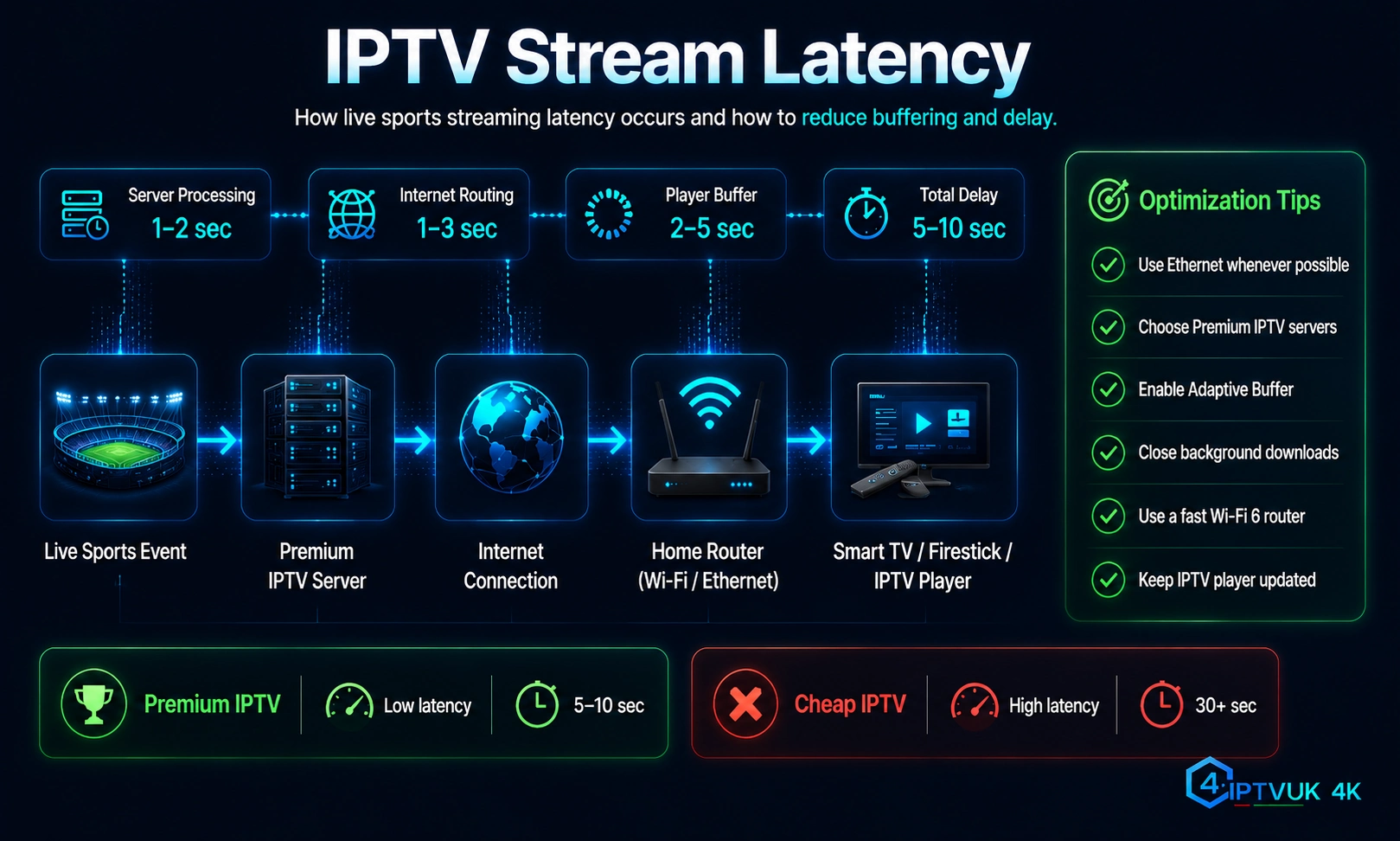
Latency is the delay between the live action and what appears on the screen. It is not the same as buffering. A stream can be stable but behind radio commentary or a neighbour’s television; another can be close to live but repeatedly pause because the device cannot maintain the feed.
How to test latency responsibly
- Use the exact television, streaming device and player intended for the event.
- Test at the same time of day as the match, when the household and local network are under realistic load.
- Compare the programme clock or an authorised reference, not an unverified social-media report.
- Watch for changing delay, audio drift, frame drops and pauses—not only the starting offset.
- Repeat the test after changing one variable at a time, such as Wi-Fi to Ethernet or a lower authorised quality profile.
What a useful backup channel should mean
A legitimate backup option is an authorised alternate feed or delivery route offered for the same event. It should be labelled clearly enough that the viewer can understand the source, language, quality and schedule. Multiple duplicated playlist entries with no provenance are not automatically resilience and can create more confusion during an outage.
Ask support whether an alternate feed exists, when to use it, whether it has a different delay or resolution, and whether switching affects the EPG or commentary. Keep the primary and approved alternate in favourites before the match so the recovery step is simple.
Match-day reliability checklist
- Verify rights and schedule: confirm the official UK broadcaster and current event time.
- Test the device early: sign in, open the EPG and play an authorised live channel well before kick-off.
- Use the strongest connection: prefer Ethernet; otherwise use a clean 5 GHz or 6 GHz Wi-Fi signal close to the router.
- Reduce competing traffic: pause large downloads, cloud backups and unnecessary high-bitrate streams.
- Update carefully: install player or device updates before event day, not minutes before the start.
- Select realistic quality: a stable HD feed is better than an unstable 4K label the device or connection cannot sustain.
- Prepare support details: record the device, app, error, channel label, time and a non-sensitive screenshot.
- Protect credentials: never post usernames, passwords, playlist URLs or payment information in public support messages.
Frequently asked questions
Choose evidence over a sports-channel headline
The best live-sports IPTV fit is the authorised service that can answer precise questions about the event, device, connections and support process. Use current official broadcaster names, reject blackout-circumvention promises, test latency and stability before match day, and understand what any backup option actually represents.